What is IPTV Smarters Pro?
IPTV Smarters Pro is a fantastic video player that allows end-users to watch content such as live TV, movies, and series on their devices. It supports multiple platforms including Android, iOS, Windows, macOS, web browsers, Smart TVs, and more. IPTV Smarters Pro is compatible with various playlist formats such as Player API playlist, Single Stream Panel API, and M3U playlist/URL.
How to Install IPTV Smarters Pro
iOS
Go to the Apple App Store or use the direct link: click here
Step 2
Log in to the app using your subscription credentials (obtain these from your service provider).
Step 3
After login >> Once logged in, you can access exclusive features by upgrading to the Premium version.
Android
Step 1
Go to the Google Play Store or use the direct link: Android
Step 2
Log in to the app using your subscription credentials (obtain these from your service provider).
Step 3
After login >> Once logged in, you can access exclusive features by upgrading to the Premium version.
Windows / Mac
Step 1
For Windows: Download the .exe file and install the IPTV Smarters Pro app. For Mac: Download the .dmg file and install the IPTV Smarters Pro app.
Step 2
Log in to the app using your subscription details (obtain these from your service provider). Note: Premium version features are not available on Windows/Mac.
Samsung SMART TV
Step 1: Access the Source Menu
Press the Source button on your Samsung remote to begin. Source Link
Step 2: Download IPTV Smarters Pro
Go to Search and type IPTV Smarters Pro to download the app. Download Link 1 Download Link 2 Download Link 3
Step 3: Log into the App
Open the app and log in using your subscription details: Username, Password, and Portal URL. Login Screenshot Important Note: Ensure your service provider has registered their DNS with us for optimal performance. More info available. Warning: Premium version features are not available for Samsung Smart TVs.
LG SMART TV
Step 1: Access the Home Menu
Press the Home button on your LG remote to begin. Home Screenshot
Step 2: Open the LG Content Store
Go to the LG Content Store and open it. Content Store Screenshot
Step 3: Download IPTV Smarters Pro
Select the Search button and type IPTV Smarters Pro to download the app. Download Link 1 Download Link 2
Step 4: Log into the App
Open the app and log in using your subscription details: Username, Password, and Portal URL. Login Screenshot Important Note: Please make sure your service provider has registered their DNS with us for optimal performance. More info available. Note: Premium version features are not available for LG Smart TVs.
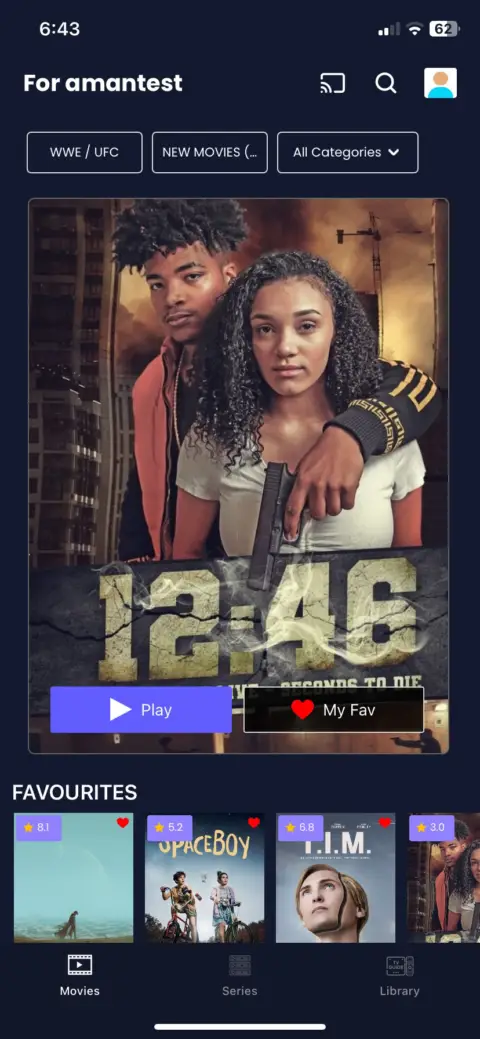
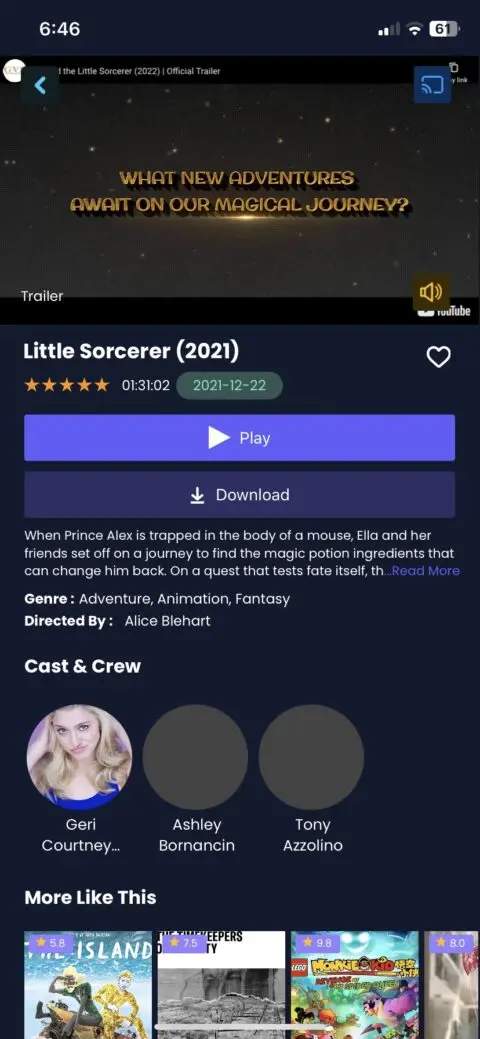
App Screenshots